designmd
LibraryTemplatesNEWToolsCLIGuidesPricing

DesignMD

Discover, vote, and share the best DESIGN.md files on the internet.

♥ Support Itmeo

Products

  • AI Studio
  • WebGradients
  • Free Gradient Generator

Company

  • About
  • Blog
  • Manifest
  • Donate

Explore

  • Changelog
  • Vercel DESIGN.md
  • shadcn/ui DESIGN.md
  • GitHub DESIGN.md
  • DESIGN.md examples
  • llms.txt
  • ai.txt
  • Sitemap
  • Newsletter

Connect

  • Twitter / X
  • GitHub
  • DESIGN.md spec
  • dimabraven.com

© 2016–2026 Itmeo. All rights reserved.

PrivacyTerms
Home/DESIGN.md Files/DESIGN.md for shadcn/ui

DESIGN.md for shadcn/ui

Practical articleImplementation notes for AI-generated shadcn/ui
Dima BravenDima Braven·May 11, 2026

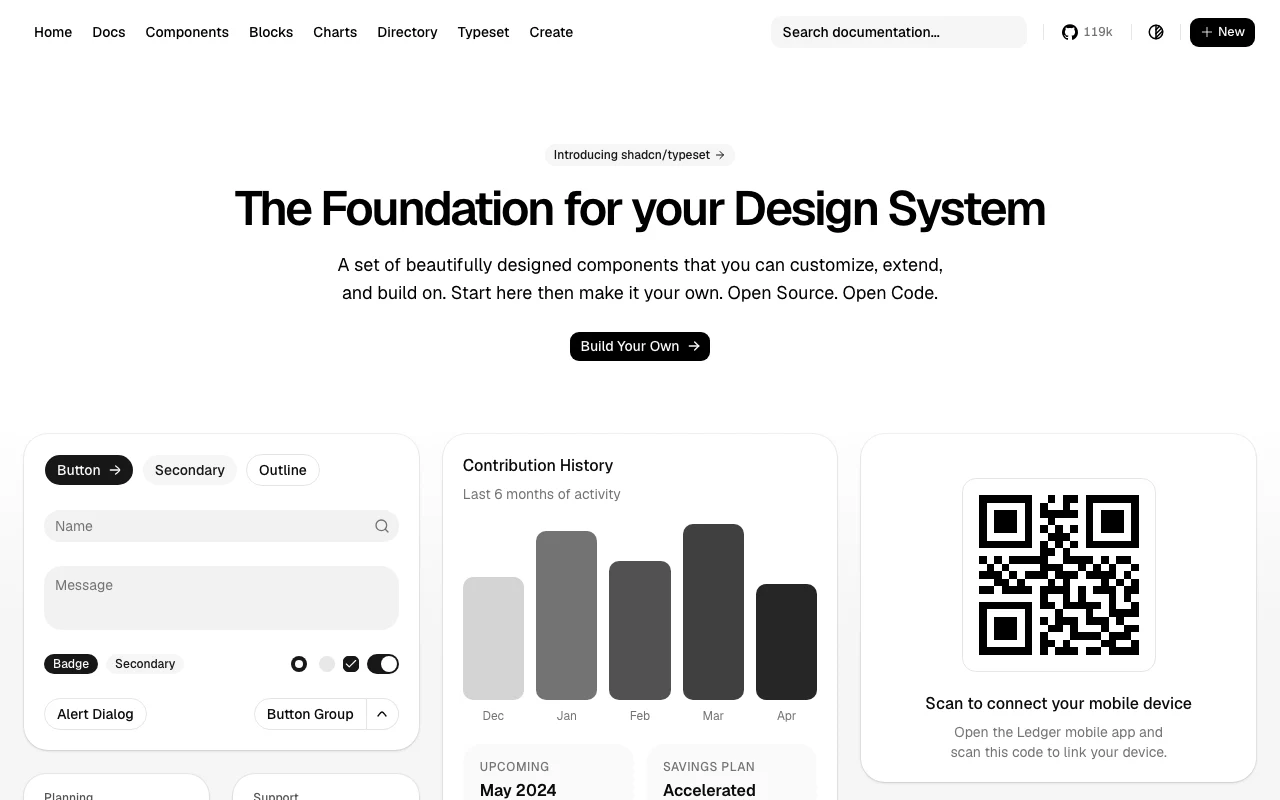
How to keep shadcn-generated UI from feeling generic by documenting tokens, density, component states, and page composition for AI coding agents.
Open the full referenceStart with the scaffoldRead the guide
articleshadcndesign-mdAI coding agents
DESIGN.md for shadcn/ui screenshot
CursorClaude CodeCodexGoogle Stitch

Sign in to copy full DESIGN.md files, download .md files, and save styles.

# DESIGN.md for shadcn/ui

Practical rules for keeping shadcn-generated interfaces specific, consistent, and ready for review.

## shadcn/ui gives you primitives, not composition rules

shadcn/ui gives a project copyable React components and Radix-backed behavior. It does not decide how dense a dashboard should be, which card is the primary surface, what an empty state says, or when a form should use a destructive action. Those decisions belong in the product's DESIGN.md.

The file should describe the difference between the local product and the default shadcn example. Name the visual contract an agent must repeat: the radius scale, semantic color tokens, typography hierarchy, spacing rhythm, table density, and the composition patterns that are allowed on each page.

## Write the rules agents need to repeat

Start with exact values and usage rules, not mood words. Record the CSS variables that already exist in the repo, then state when each token is used. If the product uses a tighter radius or smaller button in data-heavy contexts, say so explicitly. If a secondary card is not allowed to contain another card, write that as an anti-pattern.

```css
:root {
  --radius: 0.5rem;
  --space-page: 1.5rem;
  --density-data: compact;
}

/* Prefer semantic roles over one-off colors. */
.data-table-row[data-state="selected"] {
  background: hsl(var(--muted));
}
```

The useful part is not the snippet itself. It is the instruction around it: which component owns the token, which variant is canonical, and what the agent should do when a requested screen does not match an existing pattern.

## Choose rules by surface

Do not give an agent one generic instruction such as “make it clean.” A dashboard, form, settings screen, marketing page, and data table have different priorities.

| Surface | DESIGN.md must decide |

For makers

Get your product in context

Add your tool/site or create the DESIGN.md first. Every listing is reviewed before publication.

Add your tool/site · $19Create my DESIGN.md
See full pricing

Practical article

shadcn/ui gives you primitives, not composition rules

shadcn/ui gives a project copyable React components and Radix-backed behavior. It does not decide how dense a dashboard should be, which card is primary, what an empty state says, or when a form needs a destructive action. Those decisions belong in the product’s DESIGN.md.

Write the rules agents need to repeat

Start with exact values and usage rules, not mood words. Record the CSS variables that already exist in the repo, then state when each token is used. If the product uses a tighter radius or smaller button in data-heavy contexts, say so explicitly. If a secondary card cannot contain another card, write that as an anti-pattern.

:root {
  --radius: 0.5rem;
  --space-page: 1.5rem;
  --density-data: compact;
}

/* Prefer semantic roles over one-off colors. */
.data-table-row[data-state="selected"] {
  background: hsl(var(--muted));
}

The useful part is the instruction around the snippet: which component owns the token, which variant is canonical, and what the agent should do when a requested screen does not match an existing pattern.

Choose rules by surface

Do not give an agent one generic instruction such as “make it clean.” A dashboard, form, settings screen, marketing page, and data table have different priorities.

What a DESIGN.md file should define for each UI surface
SurfaceDecisions to document
DashboardDocument page-header hierarchy, KPI emphasis, grid density, loading and empty states, and the one primary action.
FormDocument label placement, field spacing, validation copy, focus treatment, disabled state, and submit priority.
SettingsDocument navigation grouping, save behavior, destructive-action separation, and unsaved-change feedback.
MarketingDocument section rhythm, headline measure, proof placement, and when a card may carry a CTA.
Data tableDocument row density, sorting/filtering states, selection feedback, pagination, and mobile overflow.

Use a review loop

The first generated screen is a draft, even when every component is technically correct. Review it against the DESIGN.md contract before you add another one-off CSS adjustment.

  1. 01Build the requested flow from existing local primitives.
  2. 02Compare hierarchy, density, tokens, and composition with the documented rules.
  3. 03Fix missing loading, empty, error, disabled, focus, validation, and mobile states.
  4. 04Extract repeated decisions back into DESIGN.md so the next screen starts with better context.

Where to start

Use the full reference when you need the complete contract. Use the starter when a repo needs a short editable scaffold. Read the guide when you need the workflow explained before editing the file.

Full referenceUse the complete shadcn/ui DESIGN.md contract.Shorter starterStart with an editable scaffold for a new repo.Read the guideLearn the workflow before you edit the file.

These are independent, agent-oriented references, not official shadcn/ui files. Keep the values aligned with the product you are actually building and verify implementation details against the project’s own source and documentation.
Related DESIGN.md files

shadcn/ui DESIGN.md

shadcn/ui DESIGN.md

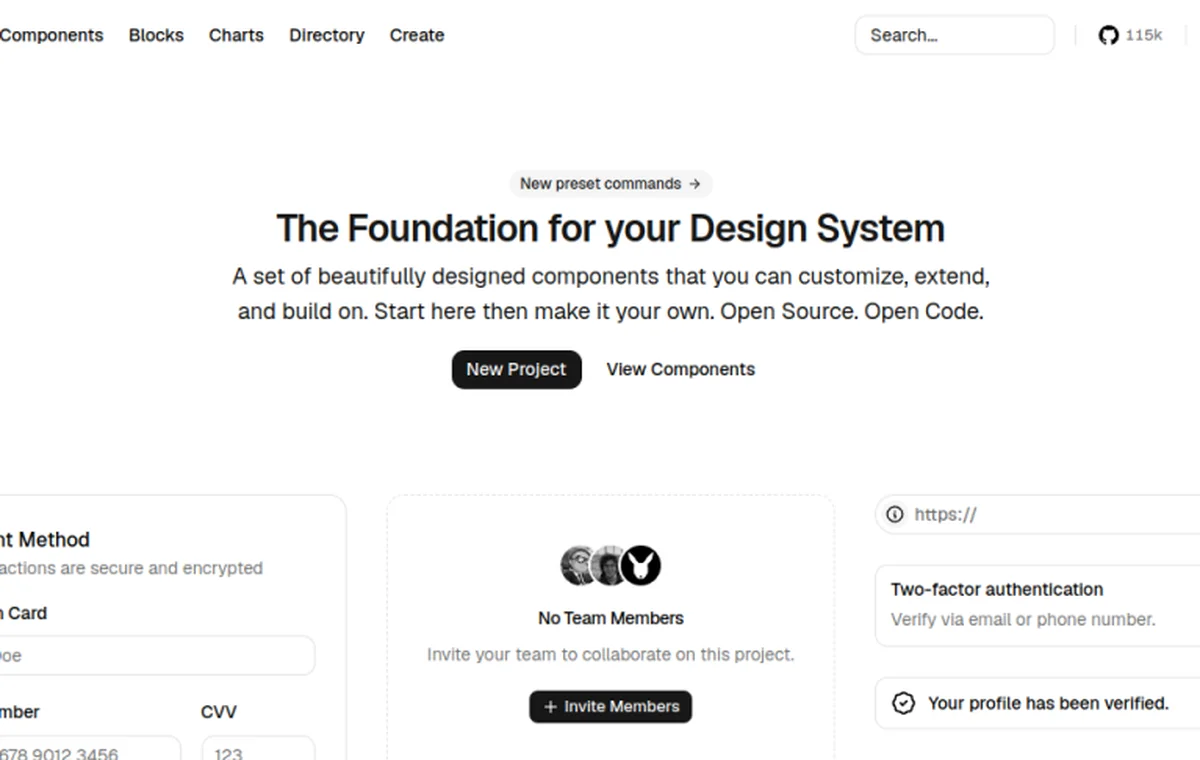
A practical design contract for AI agents using shadcn/ui: component rules, Tailwind tokens, density, states, forms, tables, dashboards, and prompt-ready constraints.

View DESIGN.md
shadcn/ui DESIGN.md starter

shadcn/ui DESIGN.md starter

Practical starter rules for AI agents building shadcn dashboards, forms, and tables.

View DESIGN.md